
How to Use Your i2v Balance for Swerve Chat
A simple guide to adding an i2v API key to Swerve so your character chats use your i2v balance instead of Swerve credits.
Swerve can use your i2v balance for character chat. This is an optional way to continue chatting when you do not want to use Swerve credits.
You only need to do this once in the browser you use for Swerve. The process has three parts
- Add funds to your i2v balance.
- Create an i2v API key.
- Paste the key into Swerve.
Step 1. Open i2v and add funds
Open the i2v API keys page. Sign in or create an i2v account if needed, then add funds to your i2v balance.
The payment and balance are handled by i2v. Swerve does not process this top-up and your Swerve credits remain available for the normal Swerve chat mode.
Step 2. Create a chat key in i2v
On the i2v API keys page, create a new key for chat use. Copy the key after it is created and keep it private. Treat it like a password because anyone with the key may be able to use the balance connected to it.
You do not need to configure an endpoint, choose a provider, or change model settings for the Swerve connection. Swerve sends the supported character chat request for you.
Step 3. Paste the key into Swerve
Return to Swerve and open the i2v connection prompt. You can reach it in either of these places
- When a chat request runs out of Swerve credits, choose Use i2v balance.
- Open your account settings and find the i2v API key section.
Paste your key into the password field and select Save and continue. Swerve stores the key only in this browser. It is not added to your messages or shown as plain text in the form.
After saving the key, send your message again. New supported character chat requests will use your i2v balance while the key is present.
Switching back to Swerve credits
You can clear the saved i2v key from account settings at any time. Once it is cleared, chat uses the normal Swerve credit flow again.
The two balances are separate. Adding funds to i2v does not add Swerve credits, and buying Swerve credits does not add funds to i2v.
If a message does not send
Check that the key was copied completely and that your i2v balance still has funds. If the key has expired, create a new one in i2v and replace the saved key in Swerve settings.
If i2v is temporarily unavailable, you can clear the key and use Swerve credits, or try again later. Swerve keeps the original credit-based option available.
Quick checklist
- Your i2v balance has funds.
- You created a key on the i2v API keys page.
- You pasted the key into Swerve's i2v API key field.
- You saved the key before sending the message again.
Open i2v API keys or return to Swerve pricing when you are ready.
More Posts

How to Keep an AI Roleplay Going When You Don’t Know What to Say
Stuck in an AI character chat? Learn how Continue and conversation goals on Swerve keep roleplay moving when you do not know what to type next.

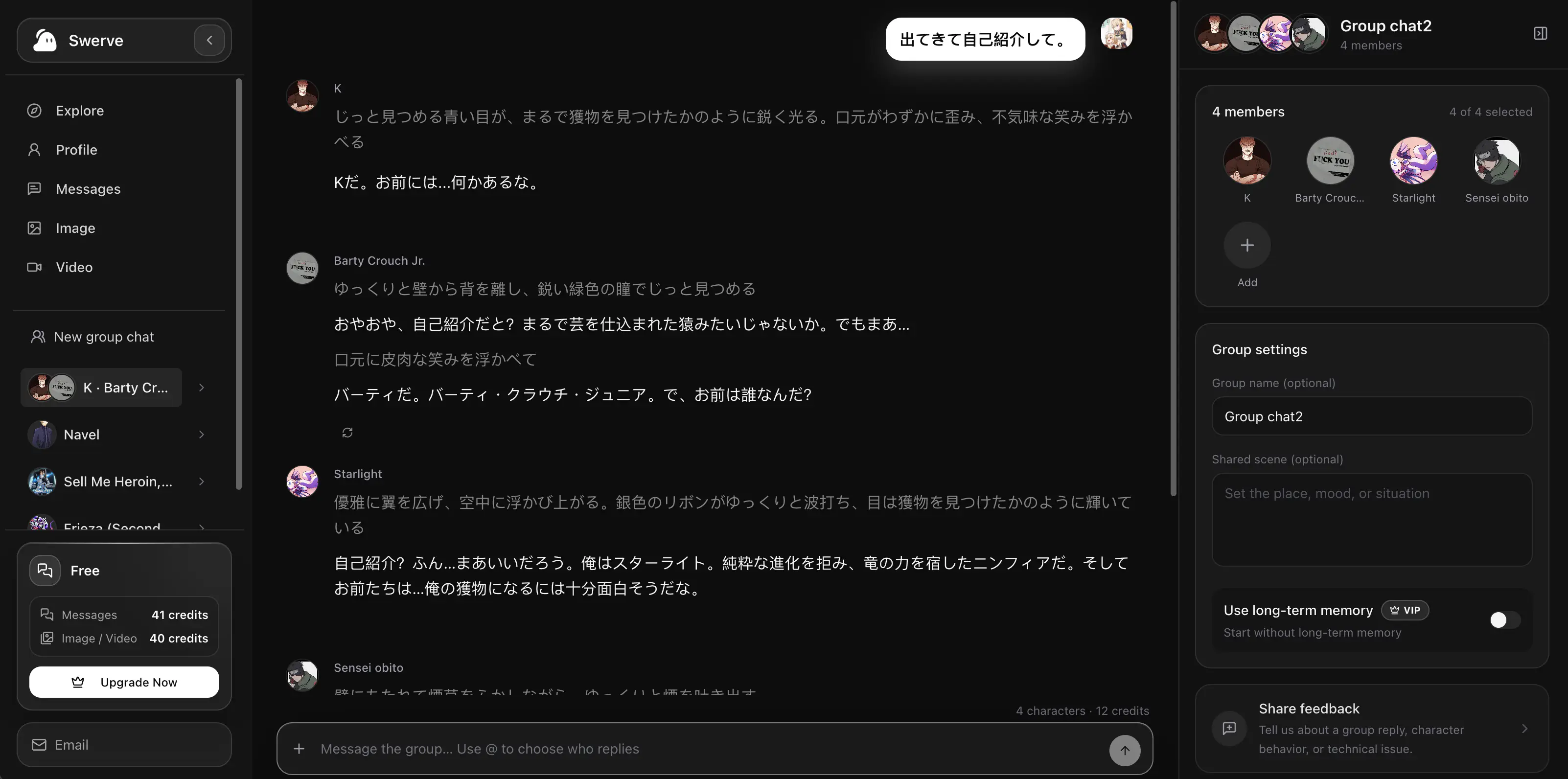
How to Create an AI Group Chat That Feels Like a Real Scene
Build an AI group chat on Swerve: choose a cast, set a shared scene, guide who replies, and keep every character distinct as the story changes.
How to Write an AI Character Description, Personality, and Scenario
Use three distinct fields to make an AI character feel consistent: identity and history in the description, behavior in personality, and momentum in the scenario.