• Pricing
  • Partner
ExploreAgentMe
Free AI vocal remover and stem splitter50,000+ creators worldwide

Professional AI Vocal Remover

Upload a song and separate vocals, instrumentals, or full stems in minutes. This page is built for karaoke edits, remixes, practice tracks, sampling, and production workflows where you need cleaner control over the parts.

Royalty-free
Commercial use
MP3 / WAV export
Fast results
GenerateExtendAI CoverAdd TracksReplace SectionMashupVocal Remover
AI Vocal Remover Settings
12 credits

Only supports music generated on Swerve

Select from Your Creations

Click to choose a song for AI Vocal Remover

AI Vocal Remover History
No AI Vocal Remover records yet

How to Use Vocal Remover

Describe what you need, generate directions, and keep the version that fits.

1

Describe Your Need

Write what you want in plain language.

2

Generate Directions

Swerve turns your prompt into music directions.

3

Download and Refine

Use the result as a starting point.
Feature image
AI Vocal Remover

What is AI Vocal Remover?AI Vocal Remover Technology

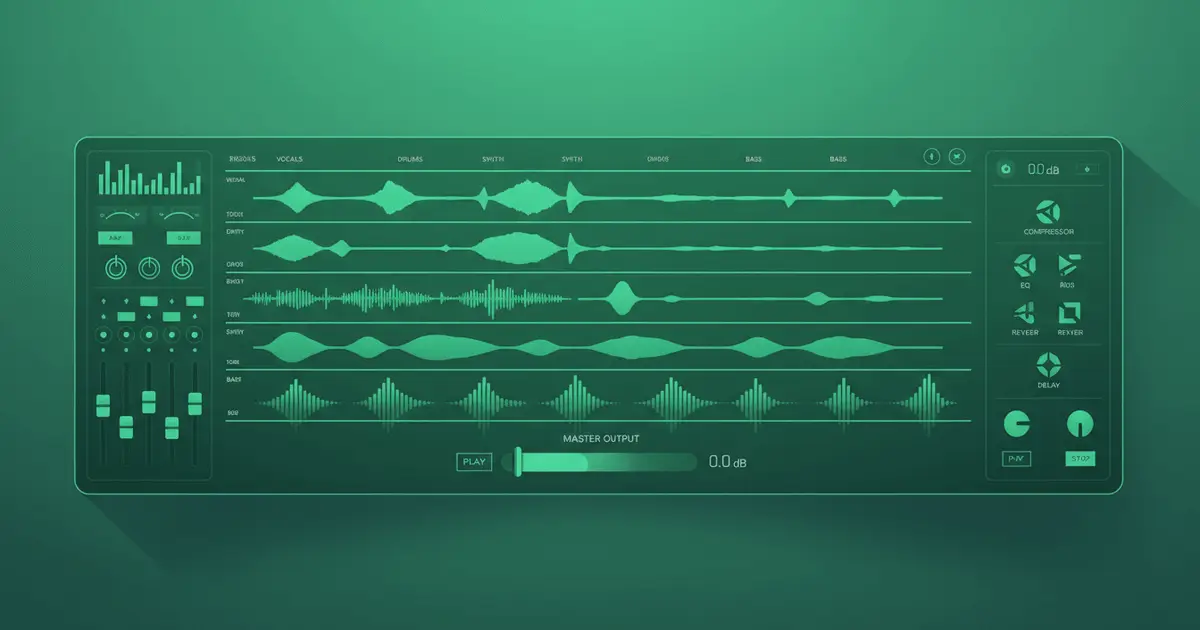
This tool is for when you need access to the parts inside the track, not just the final mix. It helps you remove vocals, extract an instrumental, or pull stems apart so you can practice, remix, sample, or rebuild from cleaner pieces.
Feature image
Core Workflow

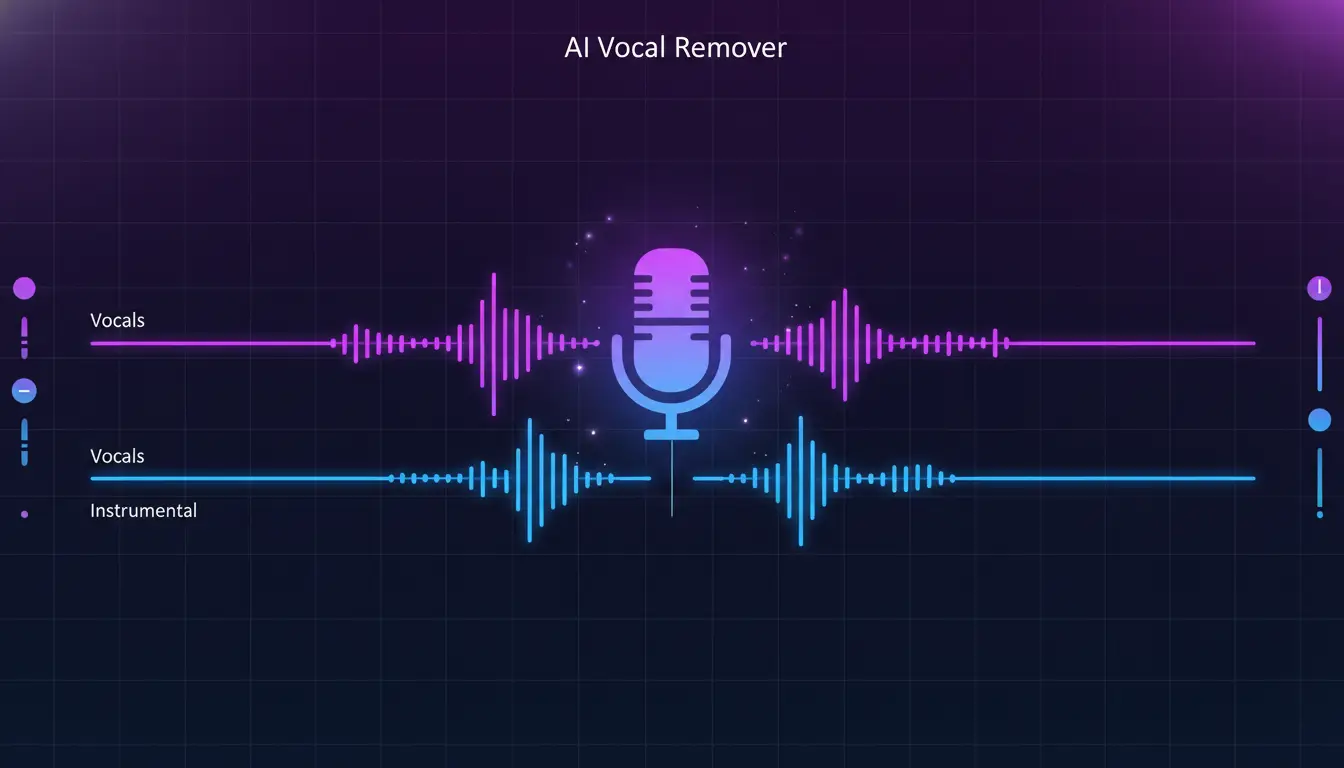
Remove vocals,keep the usable instrumental

Start with the simple split when you need karaoke tracks, backing music, practice versions, or a quick instrumental for covers. The goal is not just separation for its own sake. It is getting to a version you can actually use.
Start Free
Feature image
AI Vocal Remover Pro

AI Stem SplitterIsolate Individual Instruments

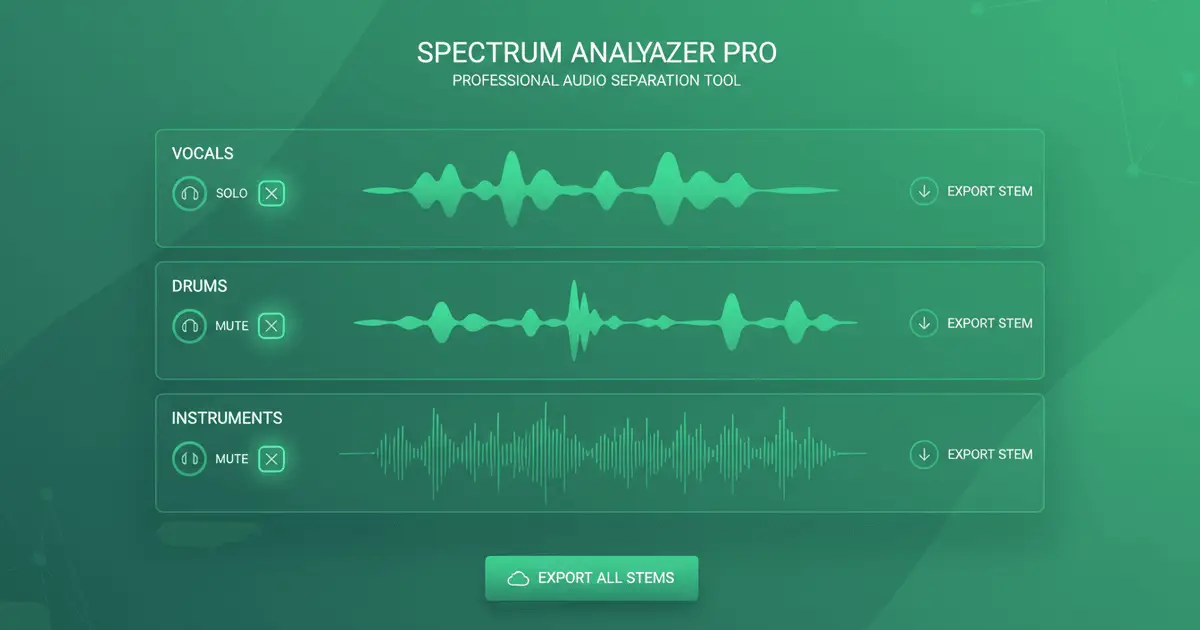
Use full stem mode when two tracks are not enough. Pull out drums, bass, guitar, keys, and more so you can remix, sample, rebalance, or study specific parts of the arrangement without fighting the whole mix at once.
Start Free
Feature image
AI Vocal Remover HD

AI Vocal Remover QualityStudio-Grade Vocal Removal

The page is aimed at results that hold up in real editing workflows, not just novelty separation. If the first pass gets you close but not all the way there, you can retry with different source material or mode choices depending on what you need to isolate.

Start Free

AI Vocal Remover FAQ

Common questions about AI vocal removal and stem separation.

1

How accurate is AI Vocal Remover?

Accuracy depends heavily on the source mix. Cleaner studio tracks usually separate better, while dense live recordings, noisy files, or heavily compressed audio can leave more bleed or artifacts.
2

What's the difference between AI Vocal Remover modes?

Basic mode is the fast two-track split for vocals and instrumental. Full mode goes further and tries to pull out multiple stems, which is more useful when you want remixing or production control over individual parts.
3

What audio formats does AI Vocal Remover support?

It supports common audio formats for upload and returns practical files you can keep using in playback, editing, or production workflows.
4

Can I use AI Vocal Remover output commercially?

The separated files are still derived from the original recording, so commercial use depends on whether you already have the rights to that source material. Separation does not remove copyright obligations.
5

How long does AI Vocal Remover take?

Processing time depends on track length and whether you are using the simple split or full stem mode. Basic jobs finish faster, while deeper stem extraction naturally takes longer.
6

What quality can I expect from AI Vocal Remover?

Results can be very usable for karaoke, practice, remixing, and production prep, especially on clear mixes. More complex or lower-quality recordings may still work, but you should expect some tradeoffs.
7

Can AI Vocal Remover separate live recordings?

Yes, but live and older recordings are usually harder to separate cleanly than controlled studio mixes. The tool can still be useful, but expectations should be more flexible.
8

How many tracks can AI Vocal Remover create?

In full mode it can separate into multiple stems, depending on what is actually present in the source mix. Not every song will produce the same set of isolated parts.

Still have questions?

Start Creating

Separate Vocals and Stems Free

Use free credits to split songs into vocals, instrumentals, and stems for remixing, practice, karaoke, and production work.

Start FreeSee Pricing
Logo
Swerve

AI Music Generator · Royalty-free · Commercial license available

Email
Product
  • Pricing
  • FAQ
  • Commercial License
Resources
  • Blog
  • Feedback
  • Changelog
Company
  • About
  • Creative Partner Program
  • Contact
Legal
  • Cookie Policy
  • Privacy Policy
  • Terms of Service
  • Refund Policy
English日本語繁體中文

© 2026 Swerve All Rights Reserved. DREAMEGA INFORMATION TECHNOLOGY LLC

support@swerveai.app
    • Logo
      Swerve
    • Home
    • Explore
    Tools
    • Music Agent
    Other
    • Change Log
    Email