How to Create an AI Group Chat That Feels Like a Real Scene
Build an AI group chat on Swerve: choose a cast, set a shared scene, guide who replies, and keep every character distinct as the story changes.
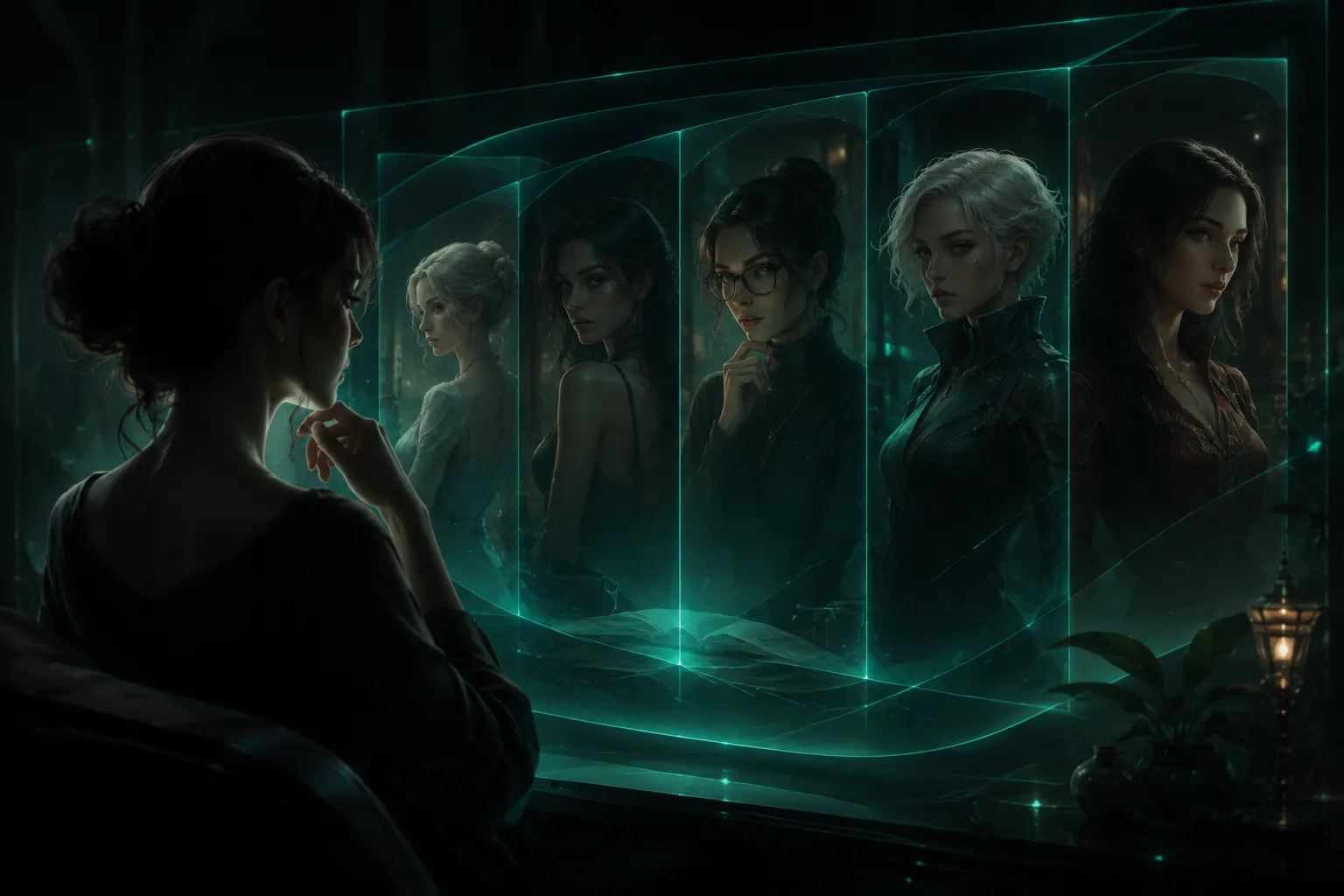
A good group chat is not simply several characters answering the same prompt. It is a shared scene: people have different reasons to be there, different things to notice, and room to respond to one another.
Swerve group chat lets you bring those voices into one conversation without giving up the character-driven feeling of a one-to-one chat. Choose the cast, give them a situation, and then decide whether you want the whole room to answer or want to call on someone specific.
This guide shows how to set up a group that has momentum from its first message—and how to keep it readable once the story starts moving.
Build your first group scene
Choose at least two characters, set a shared situation, and start with one clear moment.
Start with a cast that has a reason to meet
Every group needs at least two characters. Free accounts can bring in up to four; paid accounts can bring in up to eight. More members create more possible dynamics, but they also make each turn busier, so a smaller first cast is usually stronger.
Choose characters by relationship and contrast, not only by genre. A useful starting cast often has:
- one person who wants something now;
- one person who knows more than they are saying;
- one person who challenges the obvious plan; and
- optionally, one person who can keep the group moving.
For example, a museum curator, a skeptical reporter, and a locksmith have an immediate reason to disagree after an artifact disappears. Three unrelated “mysterious characters” may each sound interesting alone, but give the scene less to work with together.
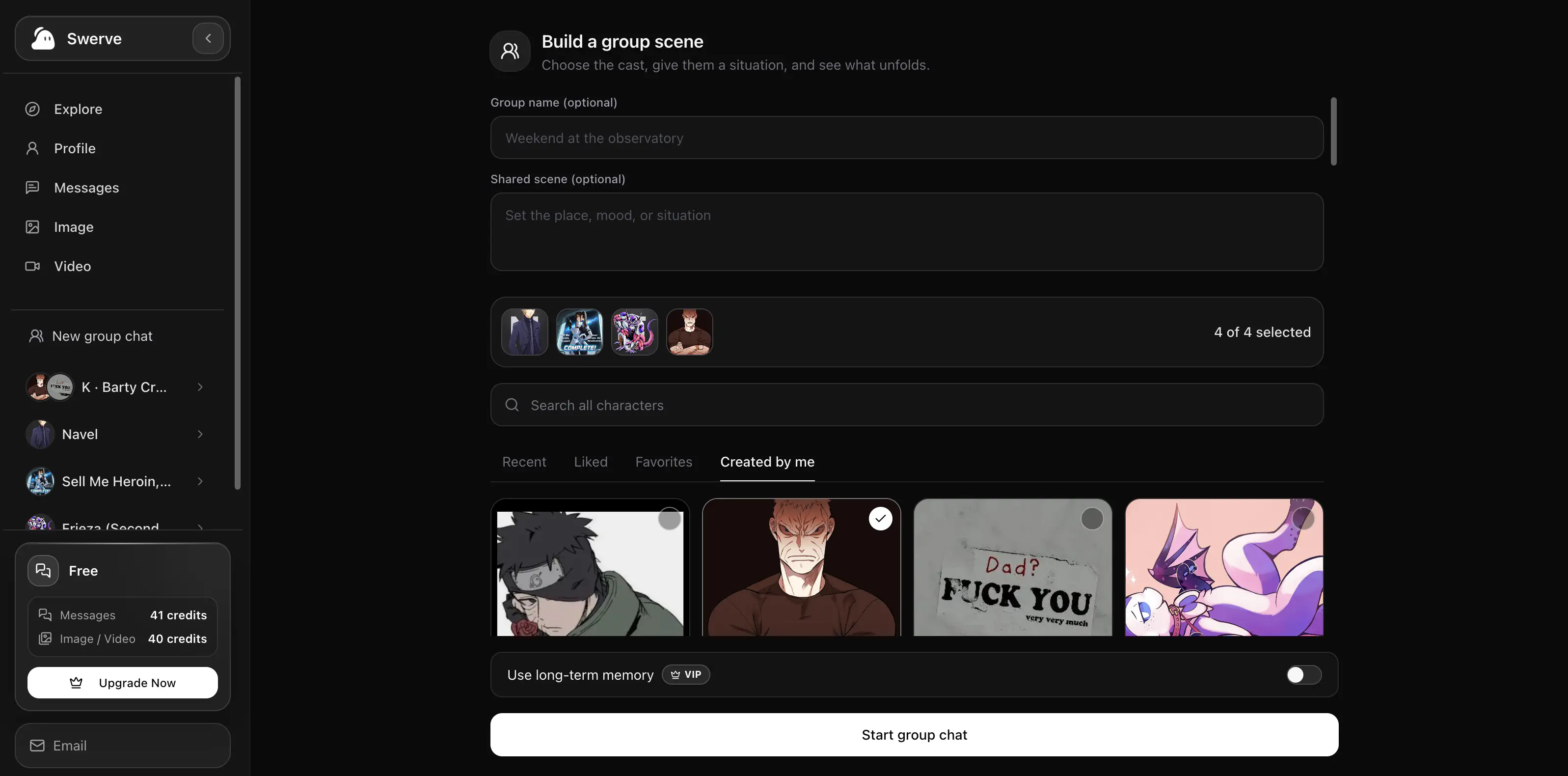
On the creation screen, you can browse characters you recently chatted with, liked, favorited, or created yourself. Looking for someone outside that library? Search public characters by name and add them directly to the same group.
Give everyone one shared scene
The group name and shared scene are optional, but the scene is the fastest way to turn a collection of characters into a conversation.
Keep it short and playable. It should establish a place, a change, and a reason the cast cannot simply ignore each other.
The Observatory After Closing: A power cut locks the observatory doors during a meteor shower. Someone has replaced the official star chart with a map that marks tomorrow’s events.
That is enough. It gives each character something to inspect, question, protect, or exploit. You do not need to write the entire lore of the observatory before the first message.
Use this template if you are starting from a blank page:
Place: [one specific location]
What changed: [the event that interrupts the normal situation]
Why this cast is here: [one sentence]
What is at stake now: [a choice, deadline, or uncertainty]
Let the whole room answer—or call on one character
In a normal group message, every member takes a turn. This works especially well for an arrival, a reveal, a proposal, or a decision that changes the whole scene.
When you want a quieter beat, mention a character by name with @. For example:
@Mara, what did you notice on the map before the lights went out?Only the named character replies, so you can have a private-feeling exchange without leaving the group. Return to an unmentioned message when you want the whole cast back in the moment.
This rhythm keeps a group chat from becoming a wall of dialogue:
- Ask the room a question when the situation changes.
- Use
@namefor a clue, reaction, or difficult decision. - Bring everyone back when that answer creates consequences for the group.
Give each character a job in the scene
Distinct voices are easier to maintain when each member has a different kind of contribution. Before you send the opening message, make a tiny private note for yourself:
| Character | What they want | What they can add |
|---|---|---|
| Mara | Keep the doors locked | Notices practical risks |
| Ivo | Prove the map is genuine | Knows the old star code |
| Sol | Leave before sunrise | Questions everyone’s motives |
You do not need to paste this table into the chat. It is a way to choose a cast with natural friction, so the replies do not all repeat the same idea.
If two characters still sound too similar, give them different information or different stakes. “Both are clever” is not a useful separation. “One needs the map to be real; the other needs it to be false” is.
Keep the first message concrete
The first message should invite action, not summarize the entire premise. Compare these openings:
We are all at the observatory, and there is a lot of history between us. What do you think?
The emergency lights blink on. The map has one new mark: tonight. “Nobody touches it yet,” Mara says. “Who put this here?”
The second opening gives every character something to react to and gives you a clear next decision. It also leaves space for the group to surprise you.
Change the cast when the story changes
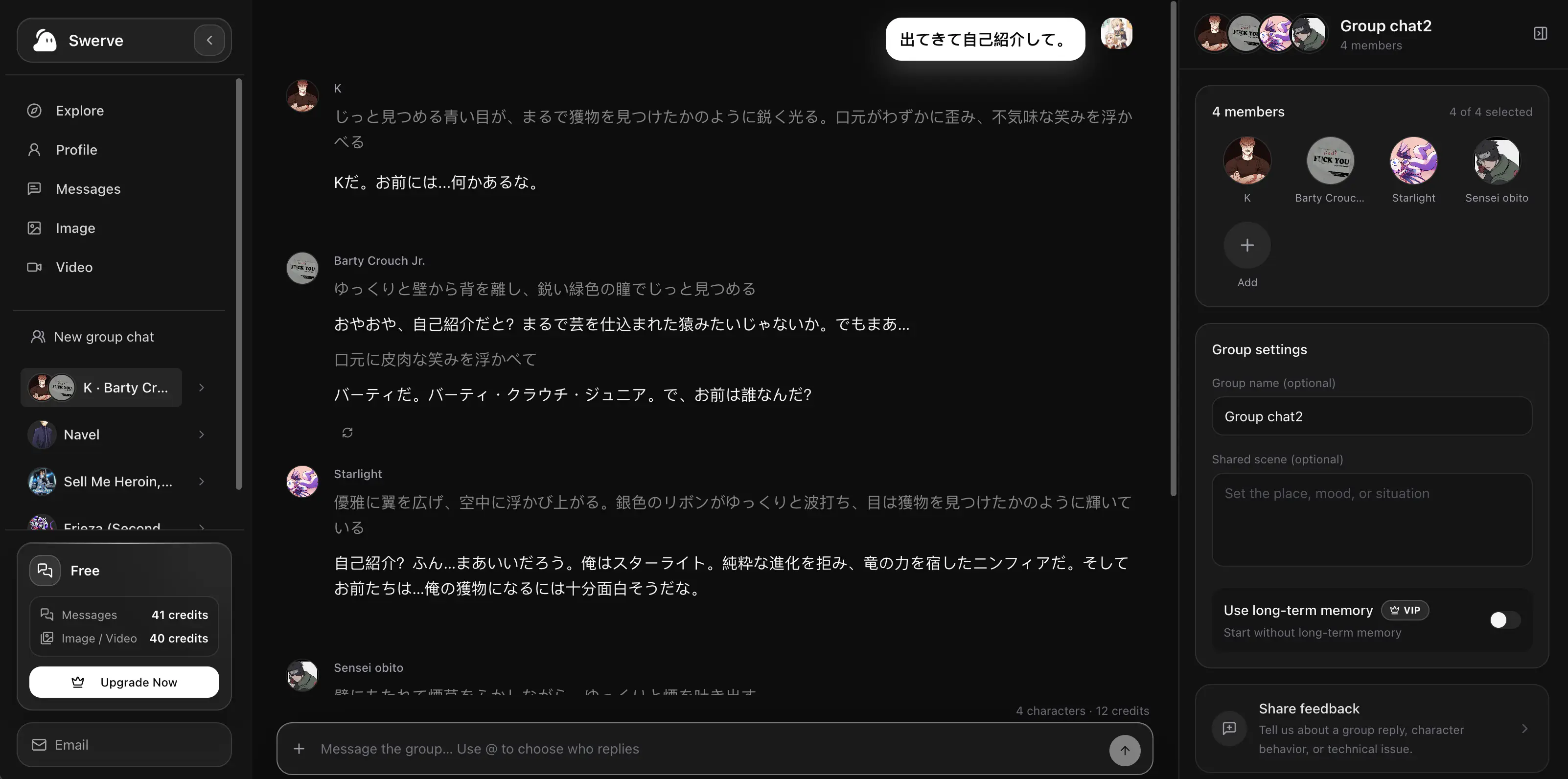
Groups do not have to stay frozen. From the group details panel, you can update the name or shared scene and manage the members as the story develops.
That makes a group useful beyond one premise:
- add a witness when the investigation reaches their district;
- remove a character who has left the scene;
- change the shared scene after the party travels somewhere new; or
- rename the chat once a casual experiment becomes a story you want to keep.
Make changes between turns, rather than while a reply is being generated, so the next response has one clear version of the cast and scene.
Three easy group-chat setups to try
A negotiation with conflicting goals
Choose a diplomat, a rival, and a guard. Give them ten minutes before a treaty is signed. Ask each one what they are willing to trade.
A discovery with one missing fact
Choose an archivist, a technician, and a character connected to the object they find. Let the user decide who gets to examine it first.
A low-stakes reunion
Choose characters who know each other in different ways. Set the scene at a late-night diner, a train platform, or the edge of a festival. A small unresolved question is enough to start.
The short version
Start with two to four characters who have different stakes, give them one immediate situation, and write a concrete first message. Let the whole group answer when the room needs to react; use @name when you want to hear from one voice. Then update the cast or scene only when the story genuinely changes.
When you are ready, create a group chat on Swerve.
Tác giả

Chuyên mục
Xem thêm bài viết
Biến câu chuyện Swerve của bạn thành hình ảnh và video bối cảnh
Tạo hình ảnh từ tin nhắn trò chuyện đã lưu, tạo hiệu ứng động thành video ngắn không tiếng và quản lý tính năng tạo tự động, credit media cùng hình nền trò chuyện riêng tư.
Tìm hiểu nhân vật của bạn qua nhật ký trong Swerve
Tìm hiểu nơi xem nhật ký nhân vật, thời điểm có mục mới, cách hoạt động của hình thức đọc miễn phí và trả phí, cùng những cải tiến chúng tôi dự định làm tiếp theo.
Cách hoạt động của Cấp độ đồng hành và Quà tặng trong Swerve
Tìm hiểu về EXP của bạn đồng hành, các mốc cấp độ, nhật ký nhân vật, quà tặng và cách Swerve dự định phát triển những tương tác với nhân vật sâu sắc hơn theo thời gian.